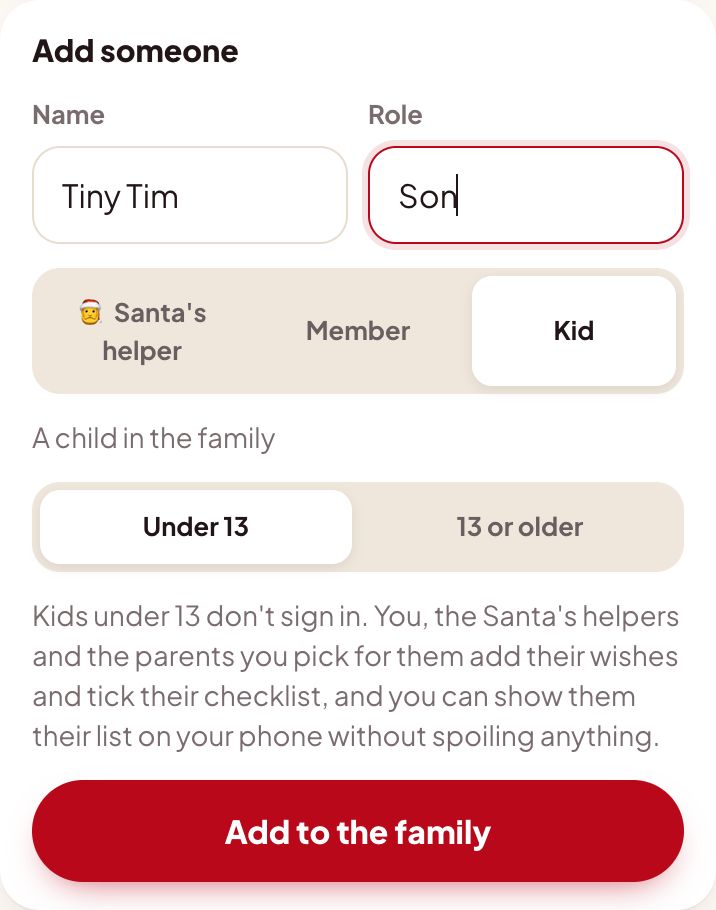
1Add your child as "Under 13"
Takes ten seconds in Family settings. Under 13 is already picked when you choose Kid.
- Type their name and role, pick Kid, and leave Under 13 selected.
- No email, phone number or PIN is asked for. Christmas HQ only keeps the name you type and the wishes you add.
- Teens 13 and up can be given a PIN to sign in themselves, with your OK.
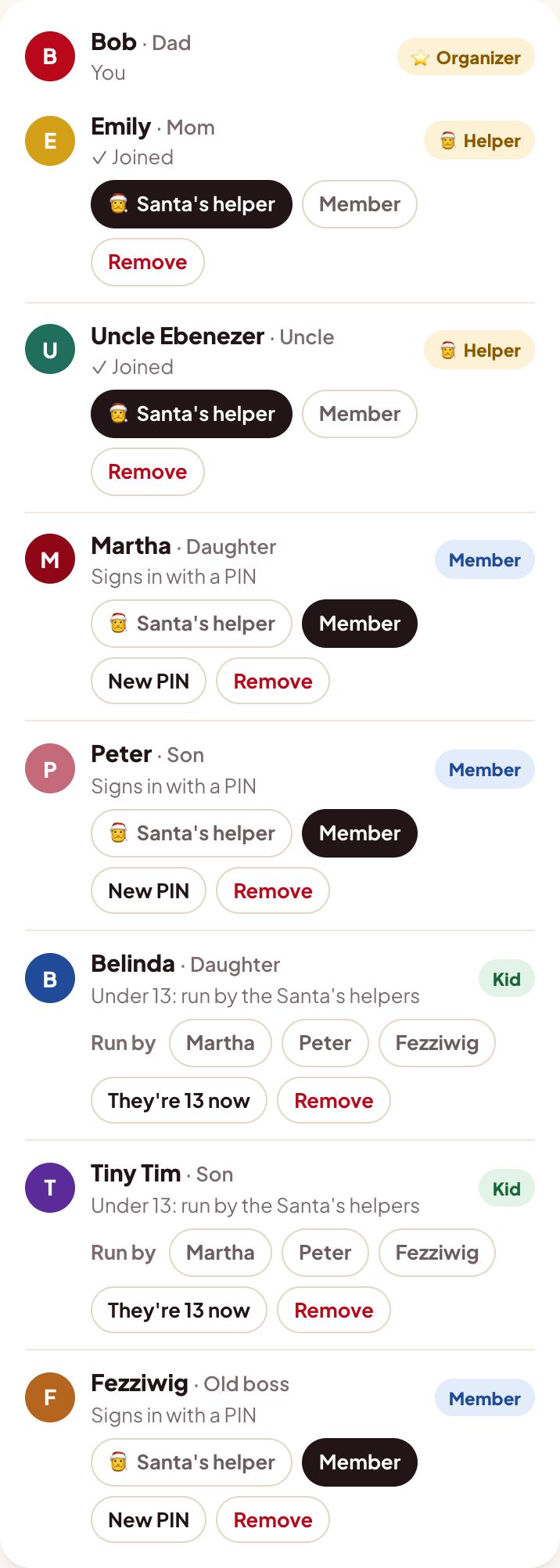
- Belinda and Tiny Tim show "Under 13: run by the Santa's helpers." They have no PIN to lose or share.
🎂 Birthdays happen. When your child turns 13, tap "They're 13 now" and give them a PIN. Their list and points come with them.
2Make the list together
Sit down with your child and add their wishes from your phone. It's the Christmas-list tradition, minus the lost scrap of paper.
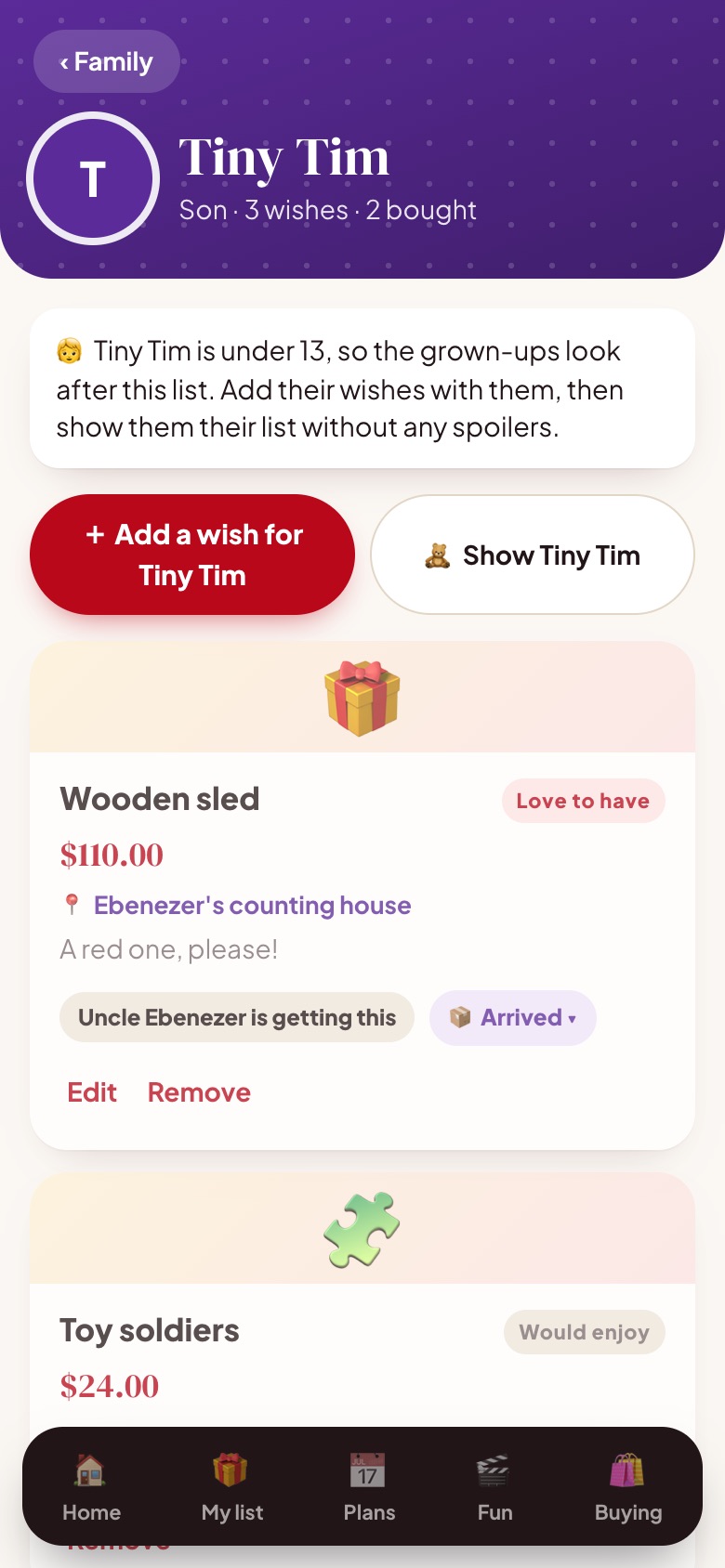
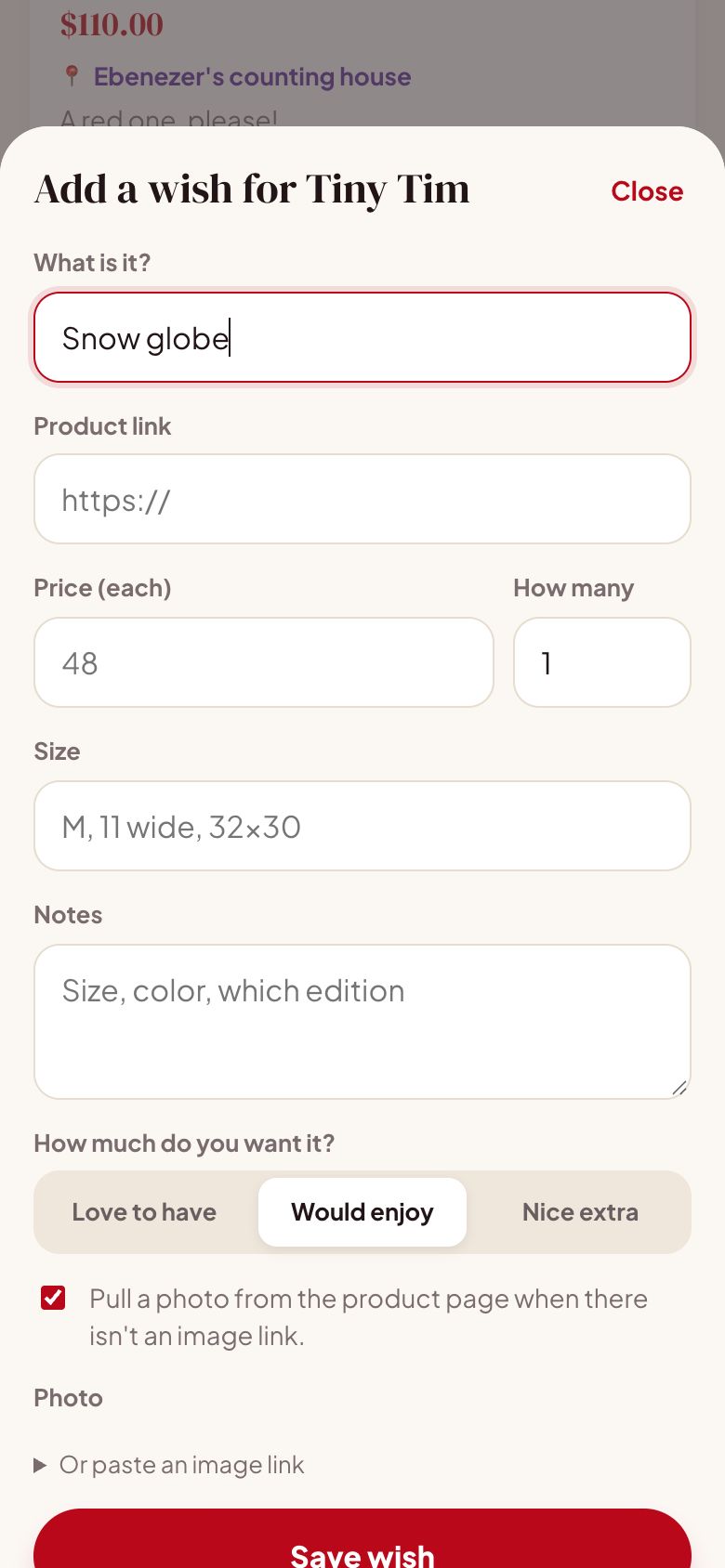
🎅 Every Santa's helper can help. Grandparents and aunts who are Santa's helpers can add to Tim's list too. Everyone else can only claim gifts on it.
👪 A parent who isn't a helper? In a big family, an aunt can run her own child's list without seeing everyone's shopping. In Family settings, tap her name next to Run by under her child. She can add their wishes, show them their list, fill their stocking and tick their checklist, and that's all.
3Hand them the phone, spoiler-free
Kids love checking their list. Tap "Show Tiny Tim" and give them your phone: they see their wishes and nothing else.
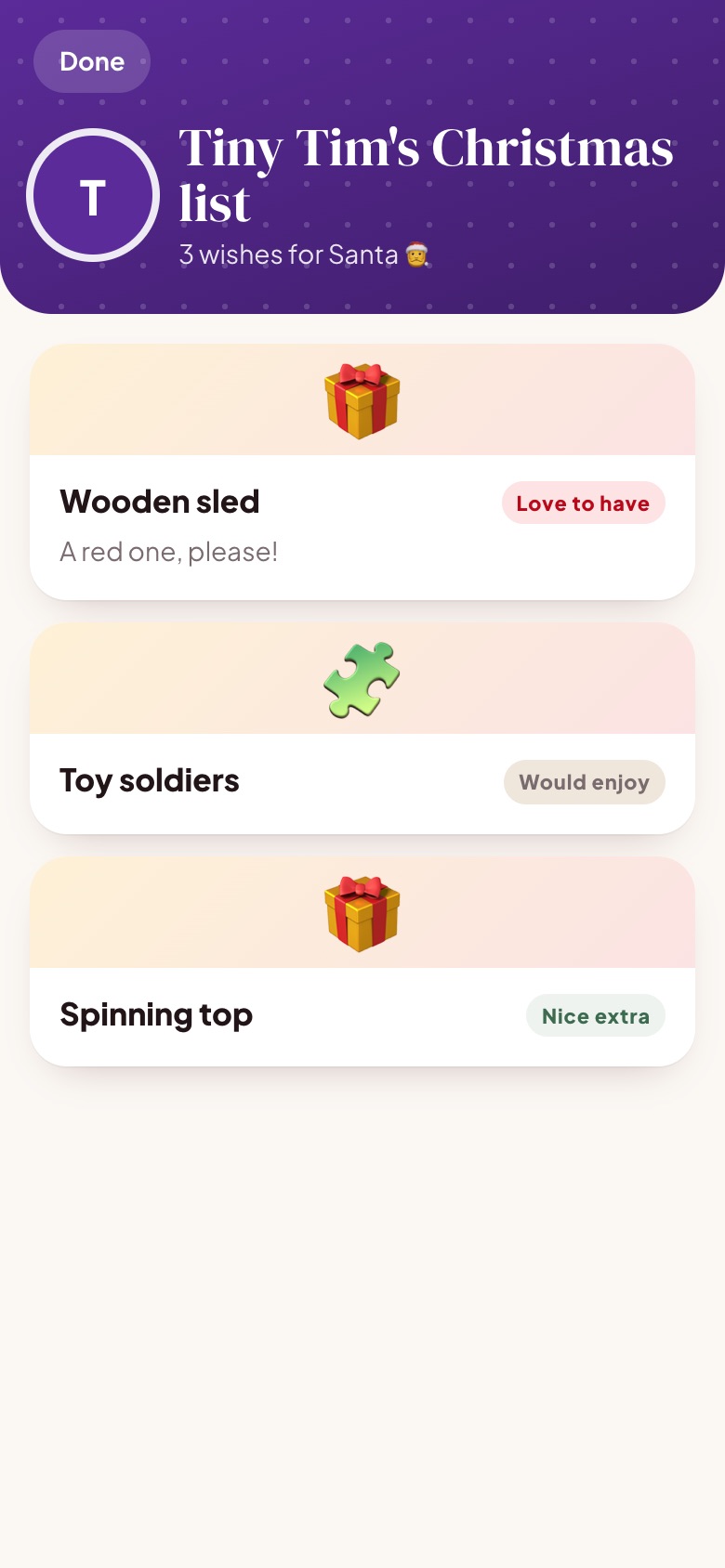
🤫 Left out of Tim's view: who's buying each gift, whether it's bought, arrived or wrapped, where it's hidden, prices, and every surprise and stocking stuffer for him, even ones he doesn't know exist.
4Keep them on the leaderboard
Most Christmassy is half the fun. Log movie nights for the whole family, and tick your child's Christmas checklist for them.
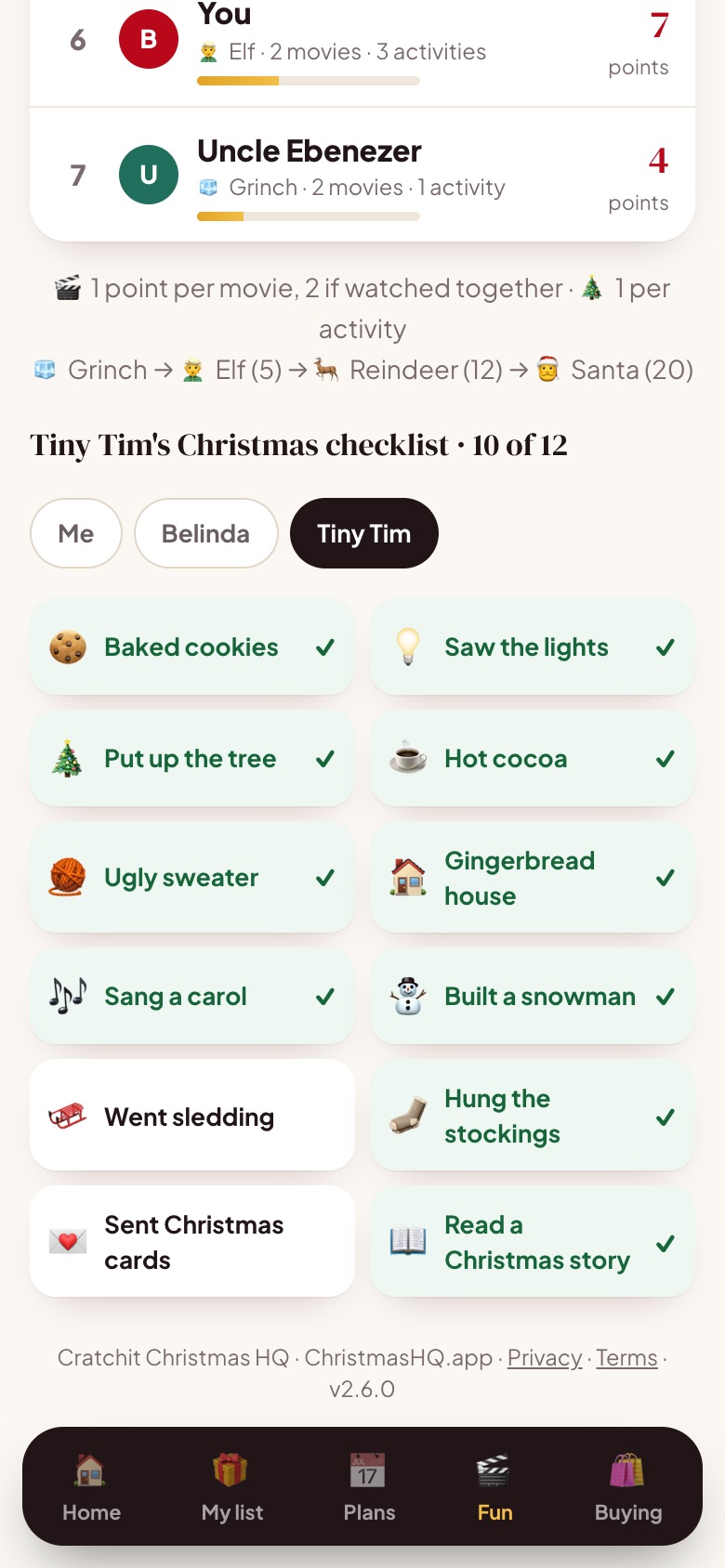
- Pick Me, Belinda or Tiny Tim above the checklist, then tick what they did: cookies baked, lights seen, a snowman built.
- Movies you log as "watched together" count double for everyone there.
- Kids climb from 🧊 Grinch to 🧝 Elf, 🦌 Reindeer and 🎅 Santa. Tim is already a Reindeer.
And no way in for under-13s
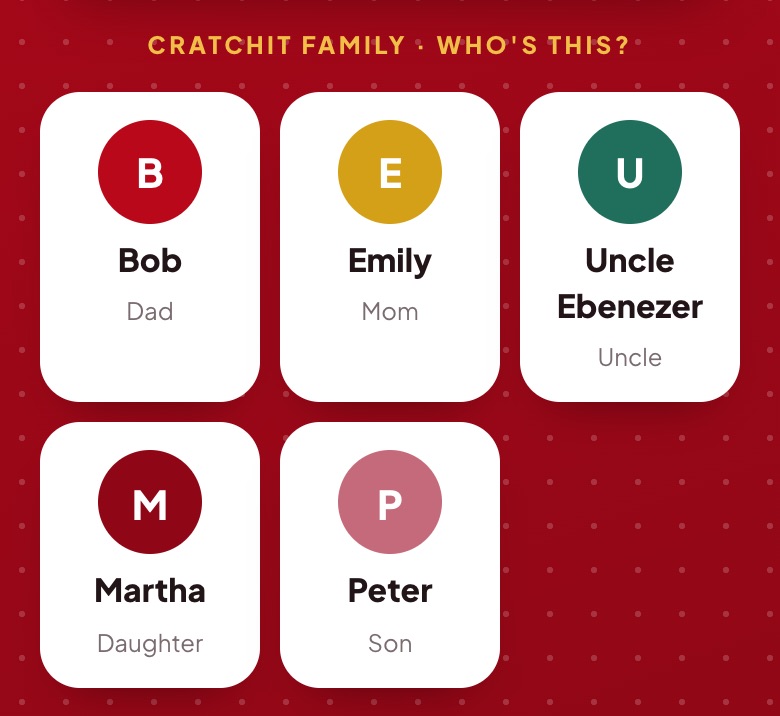
Under-13s don't appear on the family's PIN sign-in screen, so there's nothing for them to guess or tap into. Only the grown-ups and teens are listed.
Why we do it this way
Your child's privacy, in plain words
Children's information online deserves extra care, and US law (COPPA) sets special rules for children under 13. The simplest, safest approach: children under 13 don't use Christmas HQ themselves. Everything about them comes from you.
| About a child under 13, Christmas HQ… | |
|---|---|
| Keeps the first name and role you type | Yes |
| Keeps the wishes, movies and checklist ticks you add | Yes, inside your family only |
| Asks for their email, phone, address or birthday | Never |
| Gives them an account, PIN or sign-in | Never |
| Shows them who's buying their gifts | Never |
| Uses their information for ads, or sells it | Never |
| Lets you delete everything about them | Yes: remove them in Family settings, or email us |
Questions parents ask
Not by themselves. Use "Show" on your phone or tablet together. It's quick, and they'll still feel it's their list.
Teens 13 and up can sign in with a PIN you give them, and add their own wishes and surprises for you.
Yes, if you make them a Santa's helper. Other relatives can claim gifts but can't change the list.
Not on their "Show" screen. Surprises and stocking stuffers for them are left out completely.
Read the full Privacy Policy · Terms · Questions: elswanapps@gmail.com